TLS-RPT Reporting
Receive and analyze TLS encryption reports. Monitor email delivery failures and certificate issues across your domains.
Monitor TLS Encryption Issues
TLS-RPT provides visibility into email delivery failures caused by TLS issues. Track connection trends, certificate problems, and MTA-STS policy violations.
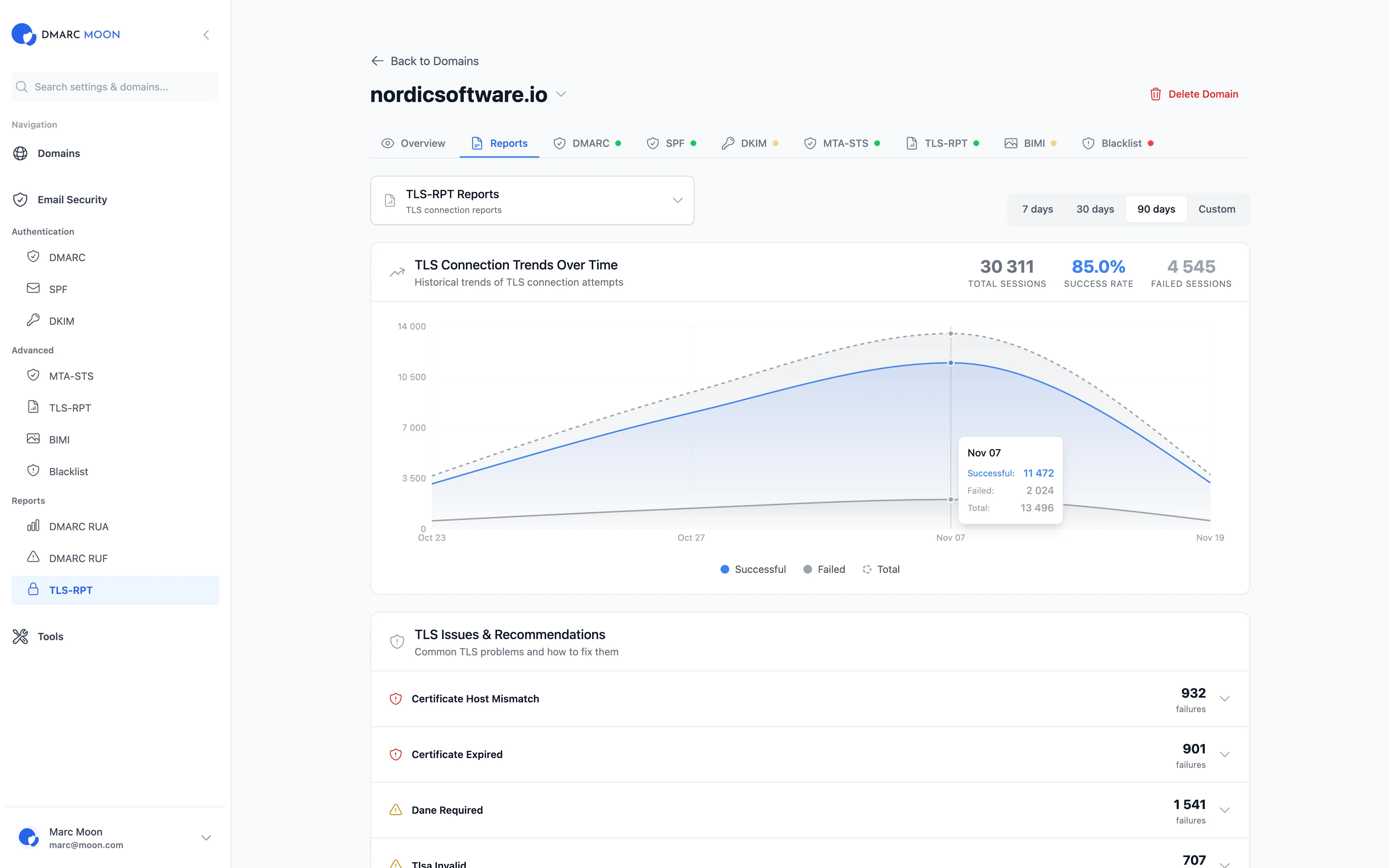
Complete TLS Monitoring
Receive, parse, and analyze TLS-RPT reports automatically. Identify encryption issues before they impact delivery.
Automatic Processing
TLS-RPT reports parsed automatically from JSON format. No manual processing required.
Failure Analysis
Detailed breakdown of TLS failures by type: certificate errors, negotiation failures, policy violations.
Certificate Monitoring
Track certificate issues reported by sending mail servers. Get notified of expiration before it affects delivery.
Trend Analysis
Track TLS success rates over time. Identify patterns and catch regressions early.
Sender Breakdown
See which mail servers are reporting issues. Identify problematic senders by IP and organization.
Failure Alerts
Get notified when TLS failures spike. Immediate alerts for certificate or policy issues.
Technical Details
For IT teams and security professionals
Failure Types
- • starttls-not-supported: Server doesn't support TLS
- • certificate-expired: SSL certificate has expired
- • certificate-not-trusted: Certificate chain invalid
- • certificate-host-mismatch: Hostname doesn't match
- • sts-policy-invalid: MTA-STS policy error
Report Format
- • JSON format (RFC 8460)
- • Sent daily by supporting mail providers
- • Contains policy type (sts, tlsa, no-policy)
- • Includes successful and failed session counts
DNS Configuration
Add a TXT record at _smtp._tls.yourdomain.com:
v=TLSRPTv1; rua=mailto:[email protected]Free TLS-RPT Tools
Related Features
Ready to Get Started?
Start your 14-day free trial and experience complete email security with TLS-RPT Reporting.