BIMI Brand Protection
Display your brand logo in email clients. Upload your logo, manage VMC certificates, and increase brand trust.
Display Your Brand Logo in Email Clients
BIMI (Brand Indicators for Message Identification) displays your brand logo directly in Gmail, Apple Mail, Yahoo, and more. Increase trust and engagement with visual branding.
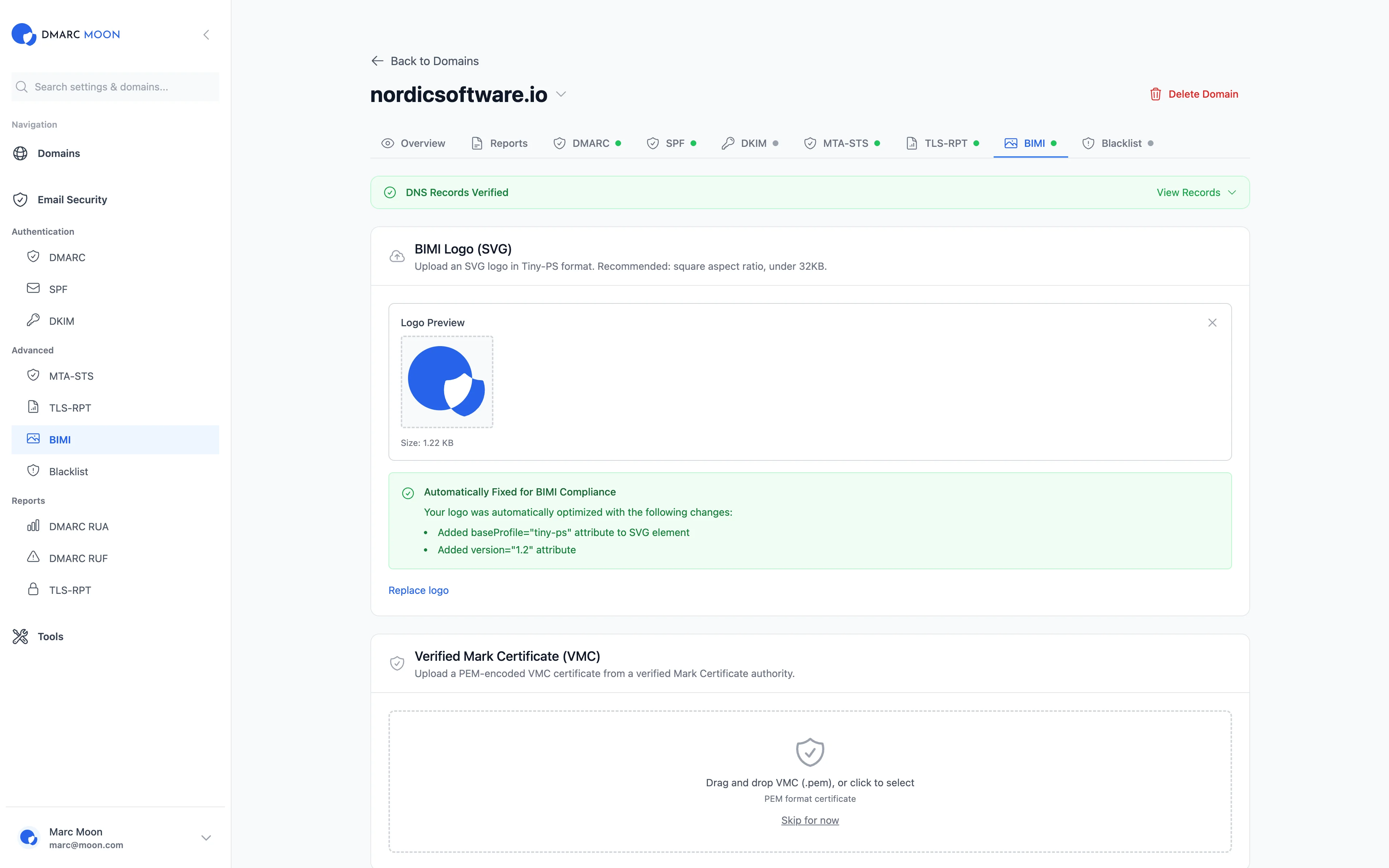
BIMI Setup Made Easy
Upload your logo, configure your BIMI record, and start displaying your brand in inboxes worldwide.
Logo Upload
Upload your SVG logo with BIMI-compliant specifications. We validate format and dimensions automatically.
VMC Certificates
Upload and manage Verified Mark Certificates (VMC) for trademark-protected logos.
Preview
See how your logo will appear in Gmail, Apple Mail, and other supporting email clients.
DMARC Readiness
Check your DMARC policy status. BIMI requires p=quarantine or p=reject for logo display.
DNS Configuration
Get your BIMI DNS record with one click. We generate the proper TXT record format.
Validation
Automatic validation of your BIMI setup. Verify logo hosting, DNS records, and DMARC policy.
Email Client Support
BIMI is supported by major email providers
BIMI Requirements
Logo Requirements
- • SVG Tiny 1.2 format
- • Square aspect ratio
- • Centered artwork
- • No text or gradients (recommended)
DMARC Requirements
- • Policy: p=quarantine or p=reject
- • Alignment: Pass SPF or DKIM
- • VMC certificate (for trademark protection)
Free BIMI Tools
Related Features
Ready to Get Started?
Start your 14-day free trial and experience complete email security with BIMI Setup.