What Is a DMARC Policy?
A DMARC Policy is an instruction you publish in your DNS that tells receiving mail servers what to do with emails that fail DMARC authentication. It's the enforcement mechanism that gives DMARC its power to protect your domain from spoofing and phishing attacks.
Understanding DMARC Policies
To understand DMARC policies, you need to know where they fit in the email authentication process:
The DMARC Record
- Location: A TXT record in your DNS at
_dmarc.yourdomain.com - Purpose: Tells receiving servers how to handle emails that fail authentication
- Key Tag: The
p=tag specifies your policy level
Not sure what your current DMARC record looks like? Use our free DMARC lookup tool to check your domain's existing configuration.
The Three Policy Levels
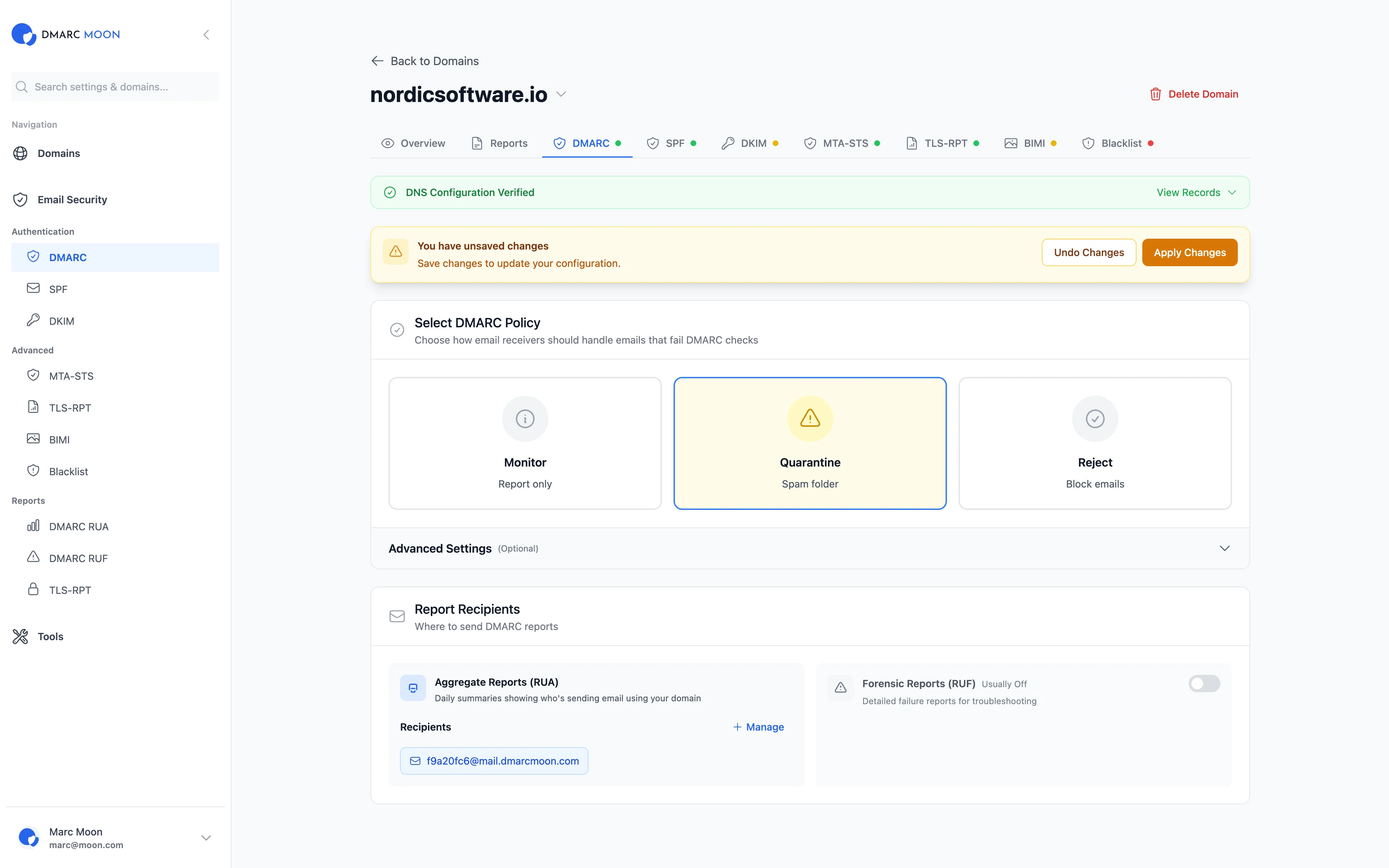
DMARC offers three policy levels, each representing increasing protection:
1. None Policy (p=none)
- Action: No action is taken on failing emails—they are delivered normally
- Purpose: Monitoring mode to collect data about your email ecosystem
- Use Case: Initial deployment, testing, and discovering all legitimate email sources
Example DMARC record:
v=DMARC1; p=none; rua=mailto:[email protected]2. Quarantine Policy (p=quarantine)
- Action: Failing emails are sent to spam/junk folders
- Purpose: Moderate enforcement that protects recipients without completely blocking email
- Use Case: Intermediate step after confirming legitimate sources are authenticated
Example DMARC record:
v=DMARC1; p=quarantine; pct=50; rua=mailto:[email protected]3. Reject Policy (p=reject)
- Action: Failing emails are completely blocked and never delivered
- Purpose: Maximum protection against spoofing and phishing
- Use Case: Full enforcement after thorough testing confirms all legitimate email passes
Example DMARC record:
v=DMARC1; p=reject; rua=mailto:[email protected]; ruf=mailto:[email protected]Why Progressive Implementation Matters
Jumping straight to p=reject without preparation can block your own legitimate emails. That's why DMARC is designed for gradual enforcement.
To learn more about how to analyze your DMARC reports before increasing enforcement, check out our guide to DMARC report analysis.
Common Issues with DMARC Policies
Legitimate Emails Being Blocked
This is the most common fear when implementing DMARC enforcement. When you move to p=quarantine or p=reject, some of your legitimate emails may fail.
Scenario: You set p=reject and your marketing team's emails start bouncing.
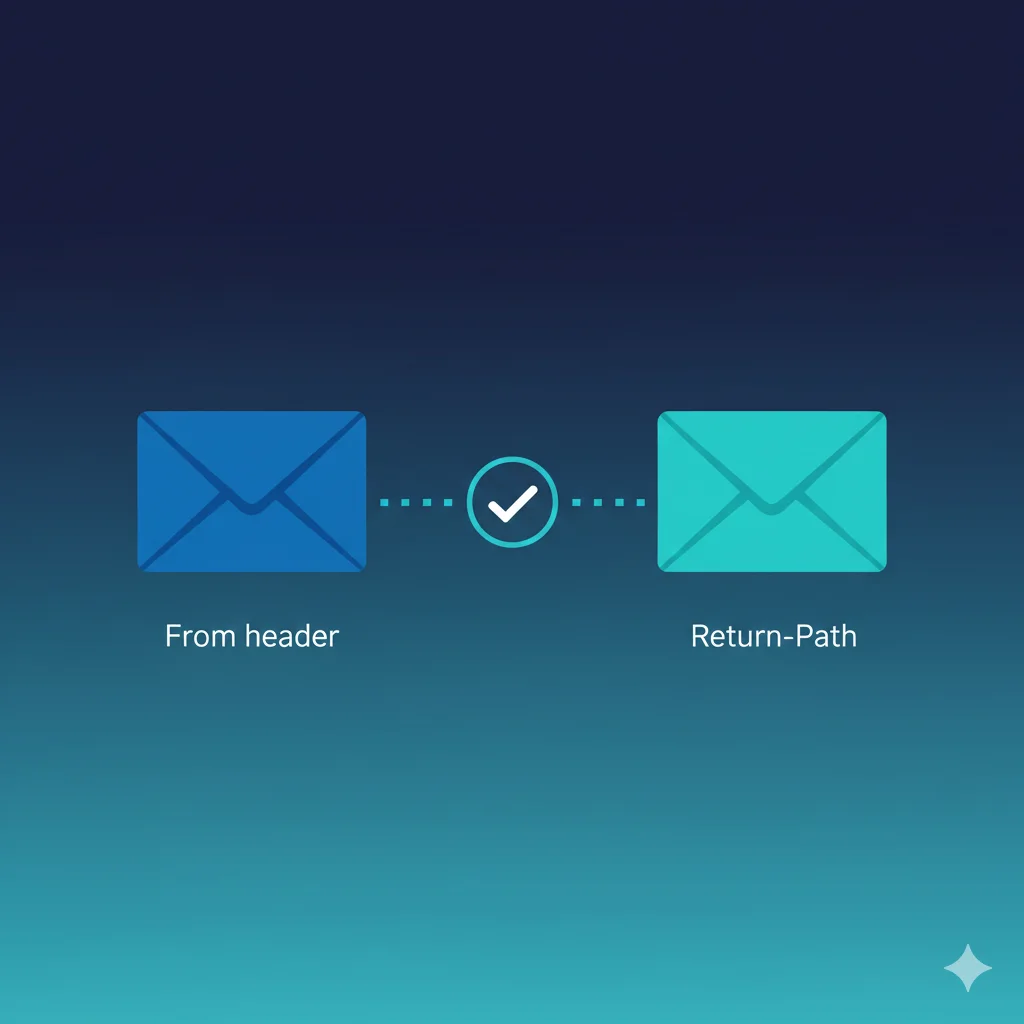
- Header From (Visible): [email protected]
- Sending Server: Third-party marketing platform
The Problem: The marketing platform isn't properly configured with SPF or DKIM for your domain, so emails fail DMARC authentication and get rejected.
Result: Your marketing campaigns don't reach customers, leading to lost revenue and frustrated teams.
Third-Party Services Not Aligned
Many organizations use dozens of services to send email: marketing platforms, CRM systems, ticketing software, and more. Each needs proper authentication.
Scenario: You have 10 services sending email as your domain.
- 8 services: Properly configured with SPF/DKIM
- 2 services: Missing from your SPF record or lack DKIM signing
The Problem: When you enforce DMARC, 20% of your legitimate email traffic may be affected.
Solution: Use p=none monitoring to discover ALL your email sources before enforcing policies.
Subdomain Policy Mismatch
By default, subdomains inherit the main domain's DMARC policy. But you can set a different policy for subdomains using the sp= tag.
Scenario: Your main domain needs p=reject, but your development team uses subdomains for testing.
The Fix: Use sp=none or sp=quarantine for subdomains:
v=DMARC1; p=reject; sp=quarantine; rua=mailto:[email protected]How to Implement DMARC Policies Safely
There are 3 main phases to reach full DMARC enforcement:
- Monitor with
p=noneto discover all email sources - Gradually enforce with
p=quarantineand the percentage tag - Full protection with
p=reject
Phase 1: Monitor (p=none)
Start by publishing a DMARC record with p=none. Use our free DMARC generator to create your record:
v=DMARC1; p=none; rua=mailto:[email protected]During this phase:
- Collect DMARC aggregate reports from receiving servers
- Identify all legitimate email sources sending as your domain
- Fix SPF and DKIM configuration issues for each source—use our SPF lookup and DKIM lookup tools to verify configurations
- Verify pass rates are consistently above 95%
Phase 2: Gradual Quarantine
Once you've confirmed all legitimate sources pass authentication, start enforcing:
v=DMARC1; p=quarantine; pct=10; rua=mailto:[email protected]The pct=10 tag means only 10% of failing emails are quarantined. Gradually increase:
- Start with
pct=10and monitor for issues - Increase to
pct=25, thenpct=50 - Move to
pct=100(full quarantine enforcement)
Phase 3: Full Rejection
When quarantine is working well with no legitimate email issues:
v=DMARC1; p=reject; pct=10; rua=mailto:[email protected]Again, start with a low percentage and gradually increase to 100%.
FAQ
How long should I stay in monitoring mode (p=none)?
Most organizations should stay in monitoring mode for at least 2-4 weeks. The goal is to collect enough DMARC reports to identify all legitimate email sources. If you have a complex email ecosystem with many third-party senders, you may need longer.
Key indicators you're ready to move forward:
- Pass rate consistently above 95% for legitimate sources
- All known email services are identified and configured
- No new unknown sources appearing in reports
What happens if I skip monitoring and go straight to p=reject?
Going directly to p=reject without monitoring is risky. Any legitimate email source that isn't properly authenticated will be blocked. This could mean:
- Marketing emails not reaching customers
- Transactional emails (receipts, confirmations) being rejected
- Support ticket notifications failing to deliver
- Internal communications being blocked
The safest approach is always to start with p=none and progress gradually.
What is the pct (percentage) tag and how should I use it?
The pct tag specifies what percentage of failing emails should have the policy applied. For example, pct=25 means only 25% of failing emails are quarantined or rejected (depending on your policy).
This is a safety mechanism that allows you to test enforcement gradually:
v=DMARC1; p=quarantine; pct=25; rua=mailto:[email protected]If issues arise, only a fraction of your email is affected rather than all of it.
Should I set different policies for subdomains?
It depends on how you use subdomains. Use the sp= tag to set a different policy for subdomains.
Consider a stricter subdomain policy if:
- You don't actively use subdomains for email
- Attackers might try to spoof unused subdomains
Consider a more relaxed subdomain policy if:
- Development teams use subdomains for testing
- Different departments manage their own subdomains
- You haven't fully audited subdomain email sources
What's the difference between p=quarantine and p=reject?
Quarantine (p=quarantine):
- Failing emails go to spam/junk folder
- Recipients can still find and read the email if needed
- Provides protection while allowing recovery from mistakes
Reject (p=reject):
- Failing emails are completely blocked
- Recipients never receive the email
- Maximum protection but no recovery if legitimate email fails
How do I know if my DMARC policy is working?
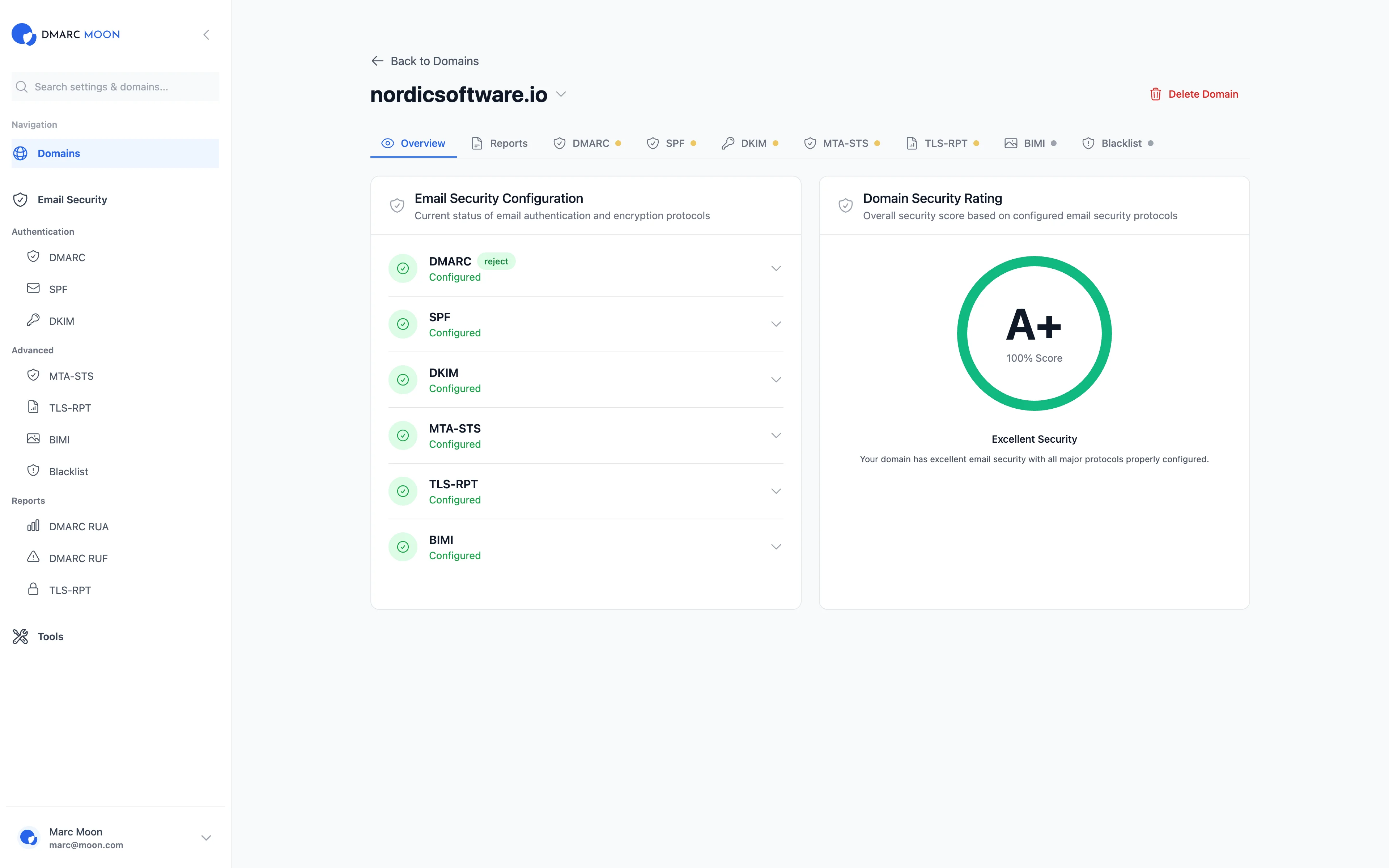
Monitor your DMARC aggregate reports (RUA) to verify your policy is working correctly. A good DMARC monitoring tool like DMARC Moon will show you:
- How many emails pass vs. fail DMARC
- Which sources are sending email as your domain
- What actions receiving servers are taking
- Whether spoofing attempts are being blocked
Learn more in our guide to analyzing DMARC reports.
Do I need DMARC if I already have SPF and DKIM?
Yes. SPF and DKIM alone don't tell receiving servers what to do with failing emails. DMARC provides:
- Policy enforcement (what to do with failures)
- Alignment requirements (connecting authentication to the visible From address)
- Reporting (visibility into your email ecosystem)
Without DMARC, attackers can still spoof your domain even if you have perfect SPF and DKIM. For more on how SPF and DMARC work together, see our SPF alignment guide. You can also run a comprehensive domain security check to see the full picture of your email authentication setup.
Can I use DMARC for just one subdomain?
Yes, you can publish DMARC records for specific subdomains. For example, to protect only mail.yourdomain.com:
_dmarc.mail.yourdomain.com TXT "v=DMARC1; p=reject; rua=mailto:[email protected]"However, it's recommended to have a DMARC policy at the organizational domain level (_dmarc.yourdomain.com) as well.
Ready to Implement DMARC?
DMARC Moon makes DMARC policy implementation simple and safe:
- Real-time monitoring of authentication status
- Visual dashboards showing pass/fail rates
- Identification of all email sources
- Policy progression recommendations
- Alerts when issues are detected